How a nexus iptv subscription works
You pay once for a set period and receive login credentials—a username and password for Xtream Codes, plus an M3U link. Simply enter these into a player like IPTV Smarters Pro to access live channels, on-demand movies, and the EPG on your Smart TV, streaming stick, or phone. No antennas, satellite dishes, or technicians required. If you are new to nexus streaming, start with our simple guide to setup or what tv nexus entails.
Included in every nexus iptv package
Regardless of your chosen tier and duration, you receive:
- Live TV: A wide range of international channels covering sports, movies, news, and family content via nexus iptv.
- On Demand: A massive library of movies and full series.
- Program Guide (EPG) with catch-up on supported channels.
- Daily Support via WhatsApp, both before and after purchase.
- 7-day money-back guarantee if the service does not meet your needs.
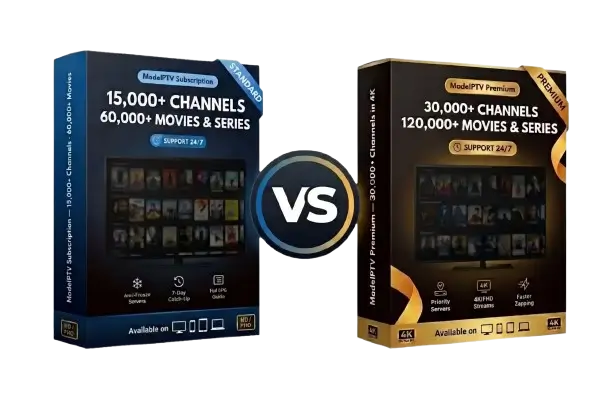
The primary differences between the tiers are image resolution and catalog size: Premium adds 4K support, priority access to servers, and roughly double the content library of the nexus4ktv plan.
Buying nexus iptv in three steps
- Choose tier and duration (3 to 24 months) from the pricing table.
- Click “Order Now”: WhatsApp will open with your order details pre-filled—just hit send.
- Receive your login within minutes and follow the installation guide for your device.
Want to test the service first?
Request a 24-hour free trial of nexus iptv on WhatsApp. The full process is also explained in our guide on how to get started.
Five mistakes to avoid before paying for nexus iptv or any other service
- Chasing the lowest price: a deal for a few bucks a year usually fails during big games.
- Buying without a trial: a trustworthy provider, like nexus iptv, lets you test before paying.
- Forgetting about connection limits: one subscription typically supports one stream at a time.
- Ignoring your internet speed: 4K requires about 25–50 Mbps; check our data traffic guide.
- Accepting automatic renewals: a prepaid, one-time package is much safer.
If you want to dive deeper, our guides help you choose the right provider and the best nexus iptv solution, alongside an honest review of legal considerations for streaming.
Devices and apps for nexus iptv
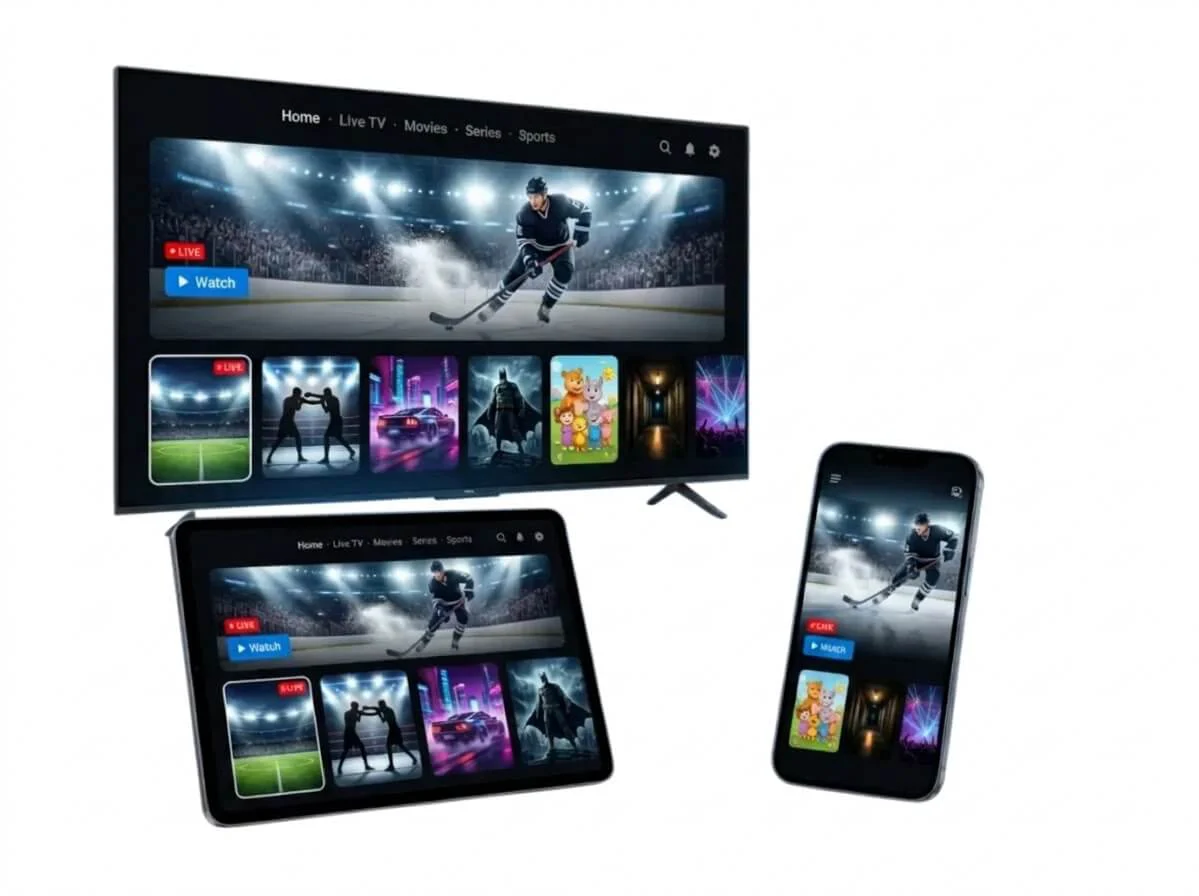
Your subscription works on all modern displays using the appropriate media player:
| Device | Recommended App | Our Guide |
|---|
| Fire TV Stick | IPTV Smarters Pro, TiviMate | Fire TV Stick |
|---|
| Samsung Smart TV | IBO Player Pro, Smart IPTV | Samsung |
|---|
| LG Smart TV | IBO Player Pro, Smart IPTV | LG |
|---|
| Android TV and boxes | TiviMate, IPTV Smarters Pro | Android TV |
|---|
| Apple TV, iPhone, iPad | GSE Smart IPTV, Smarters Player Lite | Apple TV |
|---|
For a side-by-side comparison, check the top IPTV app; for older TVs, review the best IPTV boxes.